New Windows updates let users exclude specific apps from VPN coverage
Proton and Nord have introduced app-level routing controls that allow users to keep games and local services connected directly while protecting other traffic.
By Thiago Kovalenko ·
Proton and Nord have updated their Windows clients to give users granular control over which applications route through the virtual private network. These updates allow software to bypass the encrypted bridge entirely, a capability that was previously limited or unavailable on the desktop platform.
The feature, known as split tunneling, addresses the speed trade-offs inherent in VPN usage. While a VPN masks a user's location and hides browsing activity from internet service providers, it can reduce connection speeds. By excluding specific apps, users can maintain faster connections for latency-sensitive tasks like online gaming while keeping security for other activities.
The updates also resolve issues with local network access. VPNs often mask a user's actual location, which can interfere with local movie ticketing apps or smart home devices. Split tunneling allows these specific applications to connect directly to the internet, ensuring they recognize the user's physical location and local network hardware.
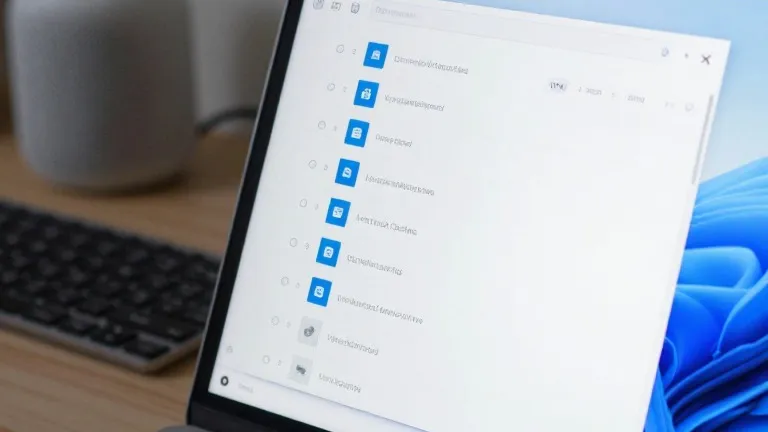
In ProtonVPN for Windows, the split tunneling option appears on the right side of the main console. Users can enable the feature and then choose whether to include specific apps in the VPN or exclude them from it. In NordVPN, the setting is located behind the cog icon in the bottom left corner of the interface. A toggle switch activates the feature, after which users select the specific applications that require protection.
The implementation differs on mobile devices. While Android phones and desktops allow for app-level control, iPhones typically restrict users to excluding specific websites or IP addresses. This limitation means iPhone users cannot easily exempt an entire application from VPN coverage, a distinction that favors Windows users for this specific workflow.
Beyond app-based routing, some providers offer URL-based or route-based tunneling. These methods use domain names or IP addresses to filter traffic but are less common in consumer software. Most users will find the app-based method sufficient for their needs, particularly if they wish to keep banking apps protected while allowing weather or gaming apps to run directly.
Setting up the feature is a one-time task for most users. Once the preferred applications are selected, the configuration remains active. Users can revisit the settings to adjust the list of excluded or included apps, but the system does not require ongoing manual intervention.